
Build a Mortgage Expansion Strategy With Claude
Build a mortgage expansion strategy in one prompt: Claude reads Model Match Market Signals for inventory, borrower profiles, and competitor lender rankings.
Don't have a Model Match account yet?
Everything in the video runs on a free trial — start one now, then follow along with the prompt below.
You can build a whole mortgage expansion strategy in a single prompt — where to add production capacity, which competitors hold each market, and how the borrower base looks — by connecting Model Match to Claude and pointing it at Market Signals. No dashboard to assemble, no export to reconcile. You describe the plan you want; Claude reads the live market data and writes the report.
The video above walks through the whole workflow — the exact prompt below, from a blank chat to a finished, competitor-tagged expansion plan.
The prompt
Copy the prompt below and paste it into Claude with the Model Match connector turned on. It’s written for a mortgage banker planning a Southeast push, but it’s built to be edited — replace the three items in brackets to make it yours:
- The markets — the prompt targets FL, SC, TN, NC, and GA. Replace them with the states, metros, or counties you’re weighing.
- The company — it assumes Acme Home Loans. Use your own company so the product and agent fit are scored against your book.
- The role — it’s framed for a Head of Production / CEO. Keep it or change it to match how you’d read the plan.
Using the Model Match connector and Market Signals, build a report that shows me where I should be expanding my mortgage presence in [the Southeast — specifically FL, SC, TN, NC, and GA].
Assume I am the [head of production and/or CEO] for [Acme Home Loans]. In the market signals and heat map of markets trending up, factor in the types of products and agents that pair well with [Acme Home Loans].
In the plan and metrics, include an overview pulled from Market Signals covering: inventory by market, recent/new listing activity, and borrower profile.
Also identify the mortgage competitors in each market and tag them as bank, credit union, mortgage banker, or broker. On the competitors, always highlight the top 3 Mortgage Bankers (by volume and market share) in addition to the top banks.
Exclude Rocket Mortgage and United Wholesale Mortgage from these rankings (and note that exclusion in the report), and exclude builders or builder-owned mortgage companies as well.
Every instruction in that prompt is doing a job: the market list scopes the search, the company anchors the product-and-agent fit, and the exclusion rules keep the wholesale giants and builder-owned shops from crowding out the competitors you can actually recruit against. Adjust any of them and Claude re-reads the market and rebuilds the plan.
What comes back
Because Claude is reading Market Signals live, the output isn’t a generic memo — it’s a structured plan grounded in real market data. In our run for the fictional Acme Home Loans, it returned:
- A ranked build order across the five states, reading contraction, competitor strength, and product fit rather than chasing raw growth.
- A market-by-market overview — inventory, recent and new listing activity, and borrower profile pulled from Market Signals.
- A competitor set for each market, tagged bank, credit union, mortgage banker, or broker, with the top three mortgage bankers surfaced alongside the top banks.
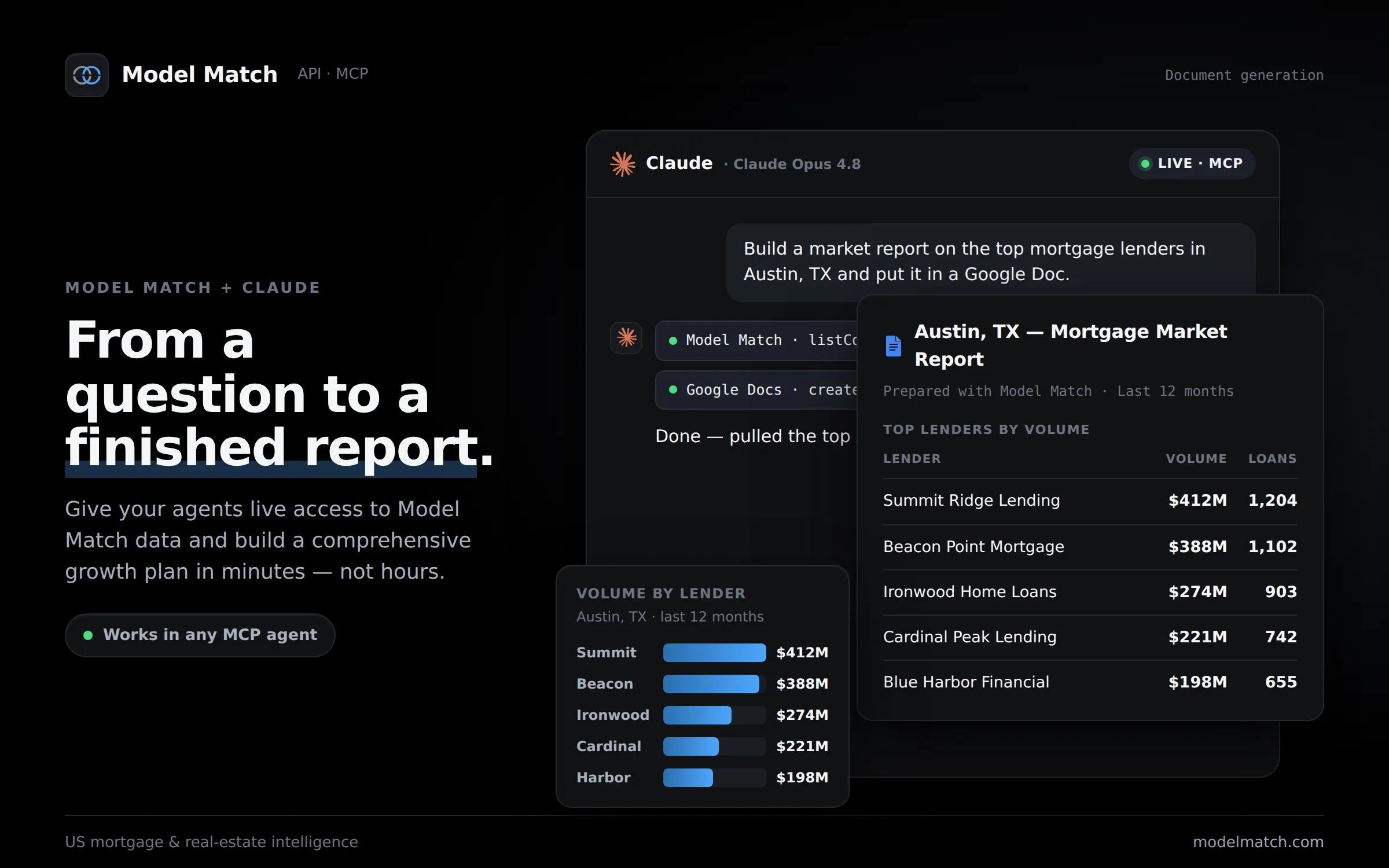
Claude reads the market from Model Match and writes it into a finished report — live, through the MCP connection. Names and figures are illustrative.
Want to see the finished product before you run it yourself? View the full sample report — the complete Southeast expansion plan Claude generated for Acme Home Loans, competitor tags and all.
Build your own expansion plan
Connect Model Match to Claude and run the prompt on your markets — start with a 14-day free trial.
How to connect Model Match to Claude
The report only works once Claude can reach your Model Match data through the MCP connector. Setup happens once and takes about a minute:
- Open your Model Match Connectors settings, then add the Model Match connector in Claude under Settings → Connectors.
- Sign in with your Model Match account and approve access.
- Start a chat, confirm the connector is on, and paste the prompt above.
There are no API keys to manage and nothing to reinstall. Your sign-in is secure, every connection asks for your consent, and the data Claude returns is scoped to your account.
For step-by-step screenshots, see the help-desk guide on connecting Model Match to Claude. Prefer a different assistant? The same data works in ChatGPT — here’s how to connect Model Match to ChatGPT.
Once it’s connected, the expansion plan is just the start. The same connection answers who’s producing in a market, which agents to target, and how a competitor’s book is trending — all from the mortgage market intelligence that powers Model Match.
Put Model Match inside Claude
Start a 14-day free trial, add the MCP connector, and build your mortgage expansion strategy from real market data in a single prompt.
By signing up, you agree to our Terms of Use & Privacy Policy